Catalogue 1,000+ HTML & CSS Shortcuts
 about 4.2 MB
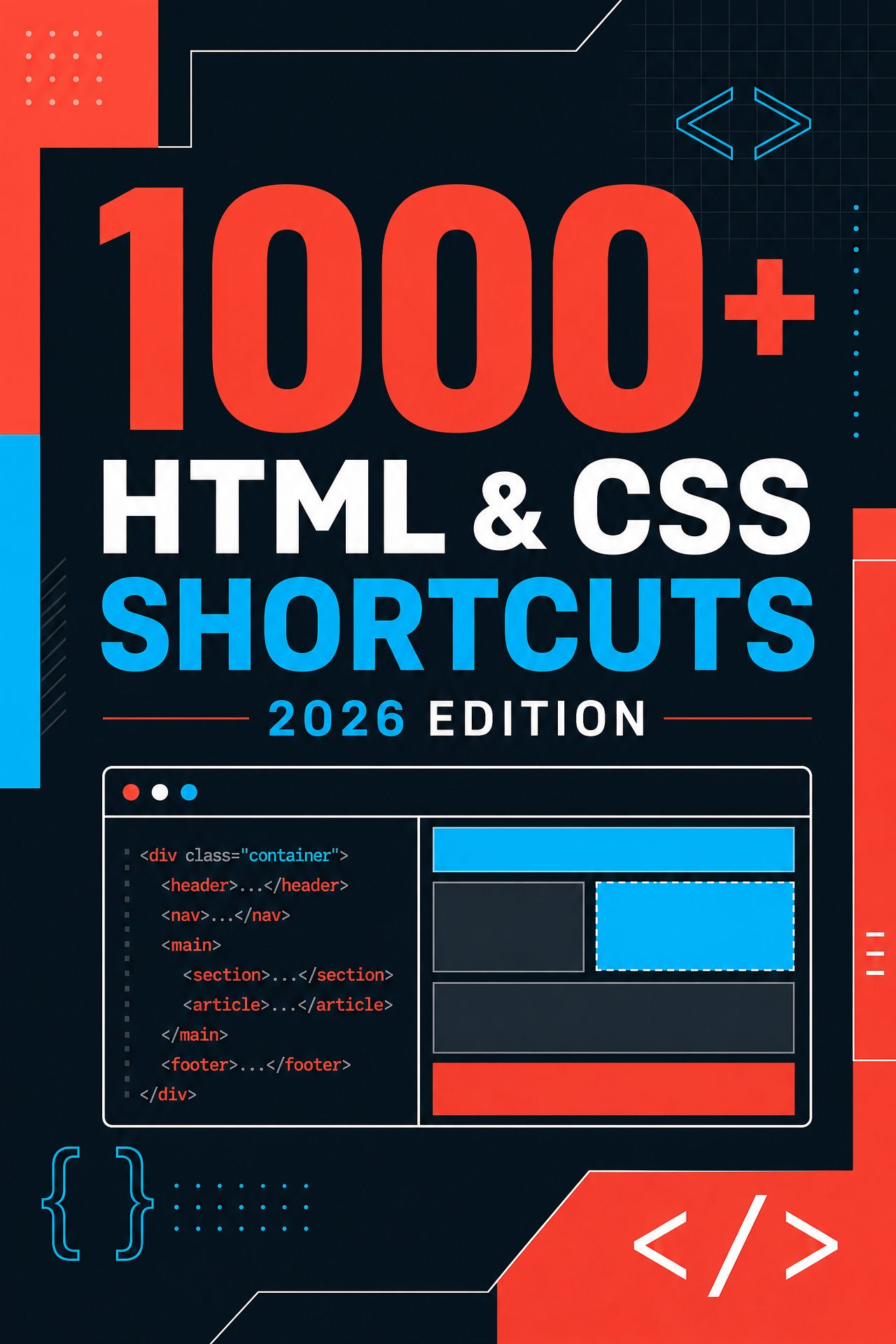
1,000+ HTML & CSS Shortcuts
Type div.brand, press Tab, get <div class="brand"></div>. 1,071 shortcuts for Windows, macOS and Linux.
Look inside
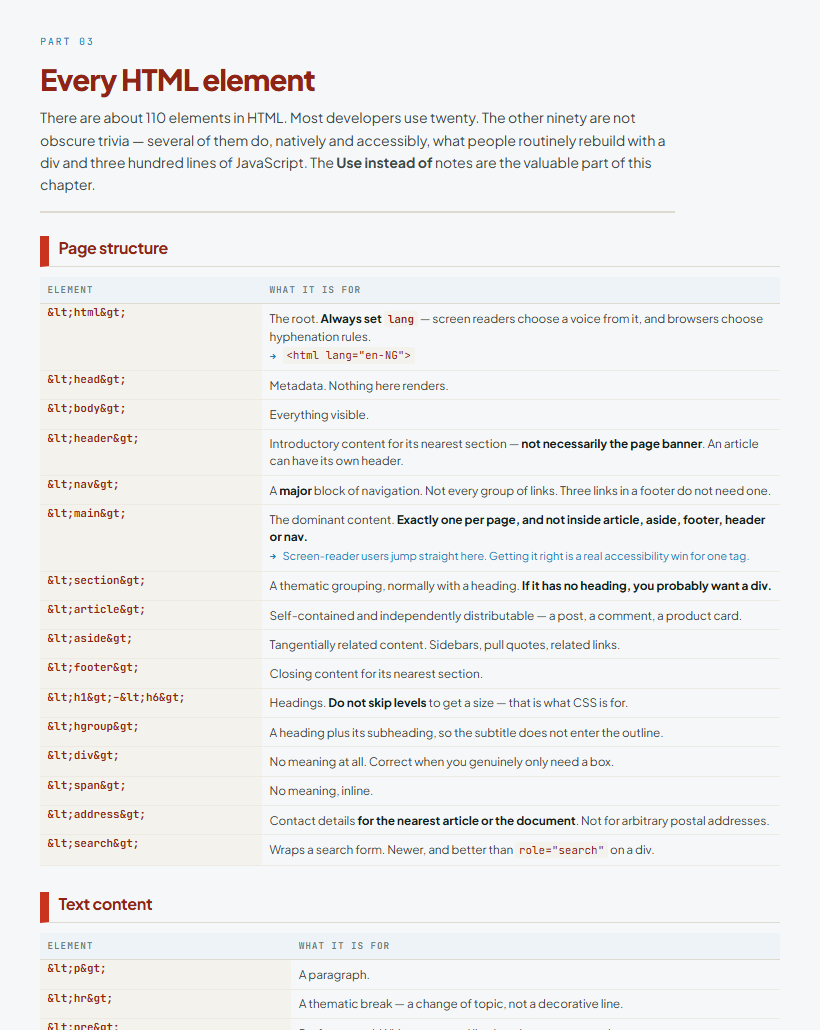
Most “HTML shortcuts” lists are really lists of tags, which nobody needs a book for. This is the reference underneath the work: the whole Emmet abbreviation language, every CSS selector including the ones that replaced JavaScript, the complete flexbox and grid property set, and the editor keystrokes that separate someone who is fast from someone who is not.
It is written to be read, not just searched. Every entry says what the thing does and when to reach for it, and the ones that matter carry a line explaining why — the flexbox bug that costs an afternoon, the reason your z-index does nothing, the one character that fixes full-height layouts on Android.
73 pages, typeset for A4 and readable on a phone. No links to rot, because there are none: this is specification knowledge, not a directory.
What you get
- 1,071 shortcuts across 12 parts, counted from the source, not rounded up
- The complete Emmet language — the chapter that pays for the book on day one
- Copyable recipes: responsive grids, fluid type, dark mode, print styles
- Free updates within the 2026 edition
Before you buy
This is a digital download of about 4.2 MB. Your licence covers one person or one business, on any number of jobs and clients, commercial ones included. Edit it freely. The one thing you may not do is resell or redistribute it. The full licence is in the download.
Something not working as described? Email us with your order reference and we will fix it or refund you.
Also available
 about 6.1 MB
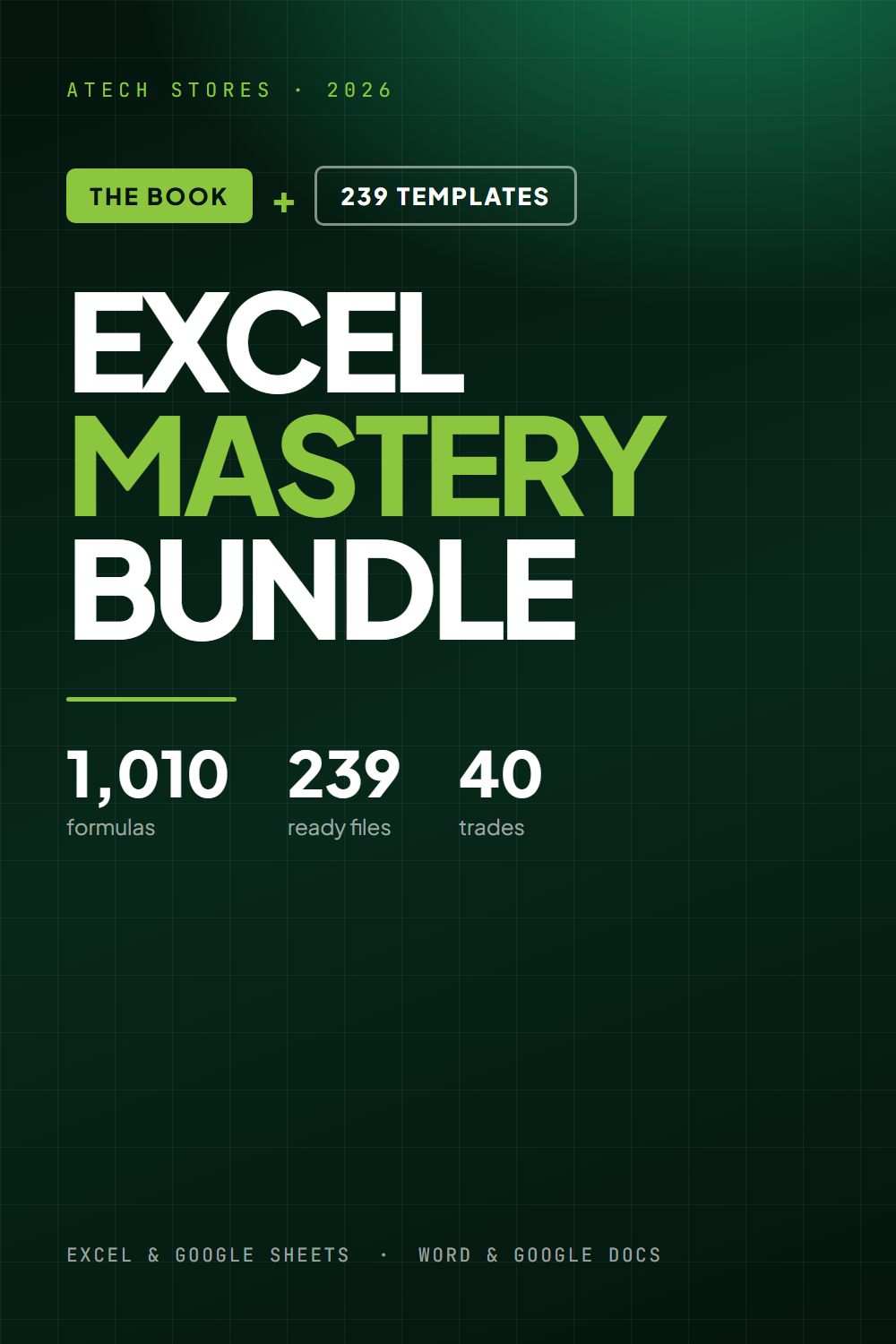
Excel Mastery Bundle — Book + 239 Templates
1,000+ Excel & Google Sheets formulas, plus 239 ready-made Excel and Word files with every formula already written. One download.
 about 2.7 MB
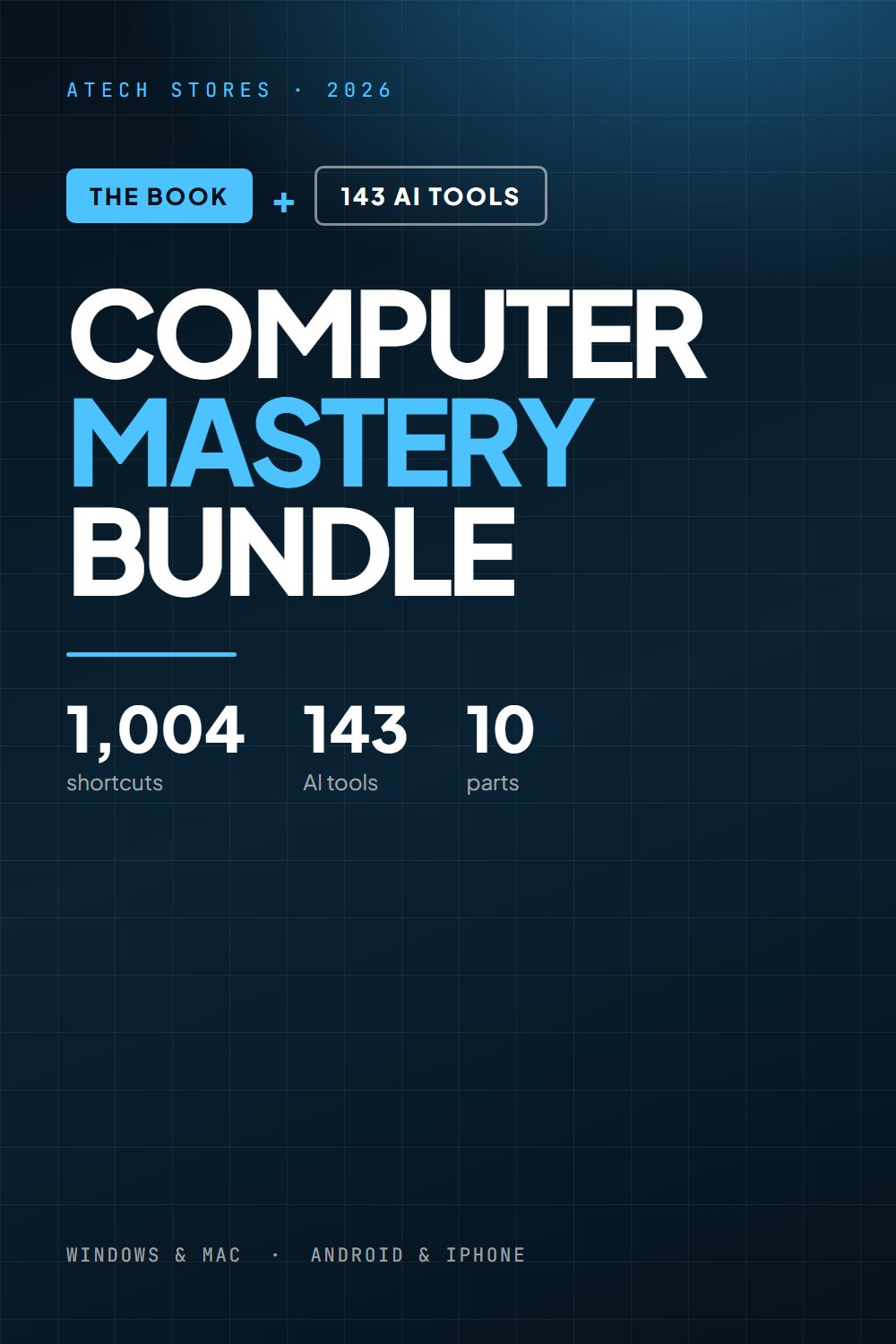
Computer Mastery Bundle — 1,000+ Shortcuts + 143 AI Tools
Get faster at the computer you already use, then hand the rest to AI. Two books, one download.
 about 1.1 MB
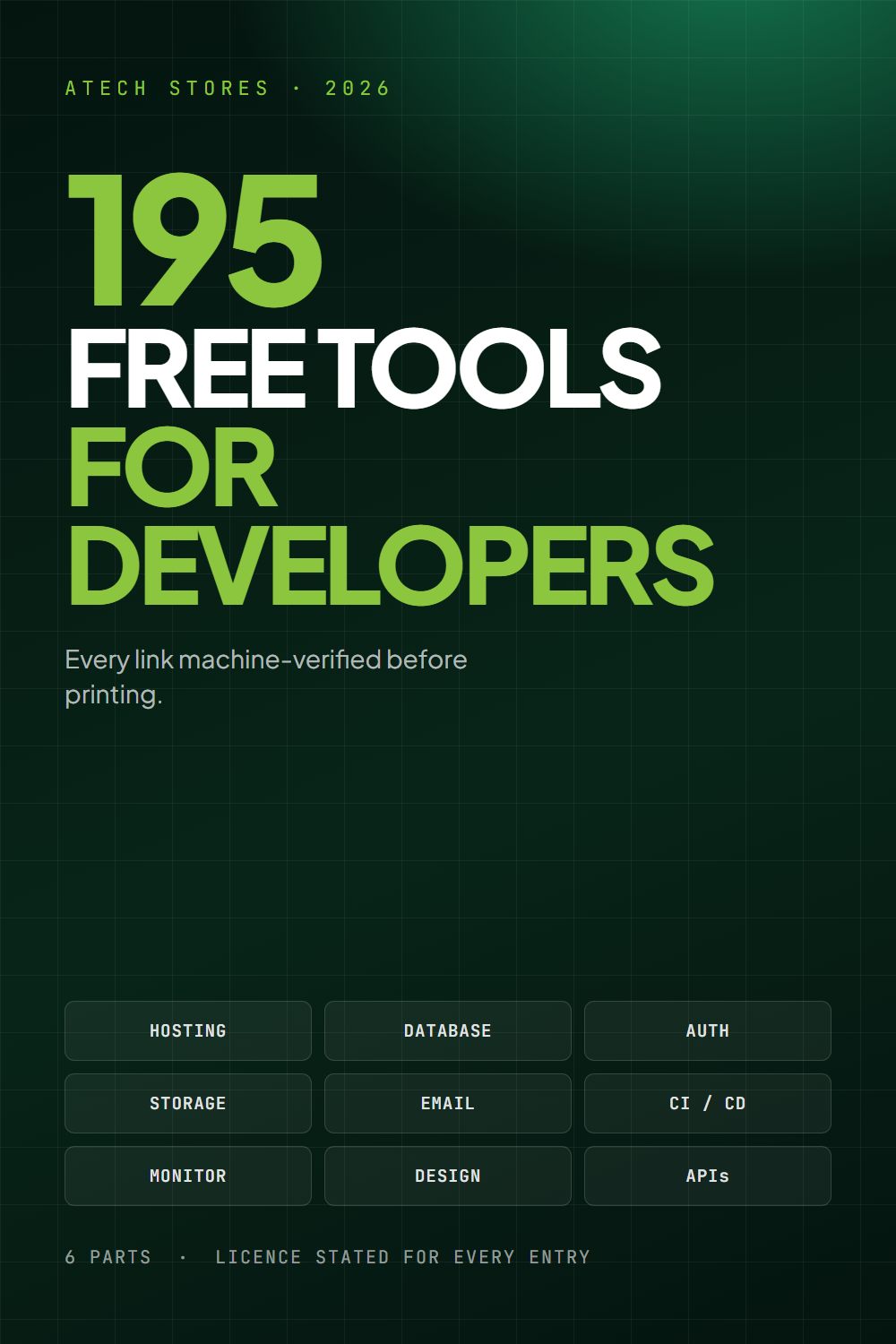
195 Free Tools Every Developer Should Know
195 free tiers, tools and assets a working developer actually uses — every link machine-verified before printing.